
This module covers everything that happens when a member reacts to a bot message, and the reactions the bot adds on its own under messages containing certain words. Panels are created on the dashboard's Reaction roles page, words on the Word reactions page.
Overview
| Type (website) | What the member does | Result |
|---|---|---|
| Emoji reaction | Adds or removes the reaction | Gets or loses the roles, without a message |
| Role(s) button | Clicks the "button's" reaction | Gets or loses the roles, with a confirmation |
| Message button | Clicks the "button's" reaction | Gets a message |
| Word reaction | Writes the word | The bot reacts with emojis |
A message that carries at least one trigger is called a panel. On Fluxer, a panel's buttons are reactions too: their list shows in a legend box under the panel ("🎮 Gamers · 🎨 Artists").
Creating a panel
The Reaction roles page's wizard has four steps: the format (new bot message, or existing message by its ID), the destination and content (channel, title, description, color, image), the triggers (type, emoji or text, roles or reply message), then the review and deployment. The bot posts the message, the buttons' legend, and adds every reaction itself.
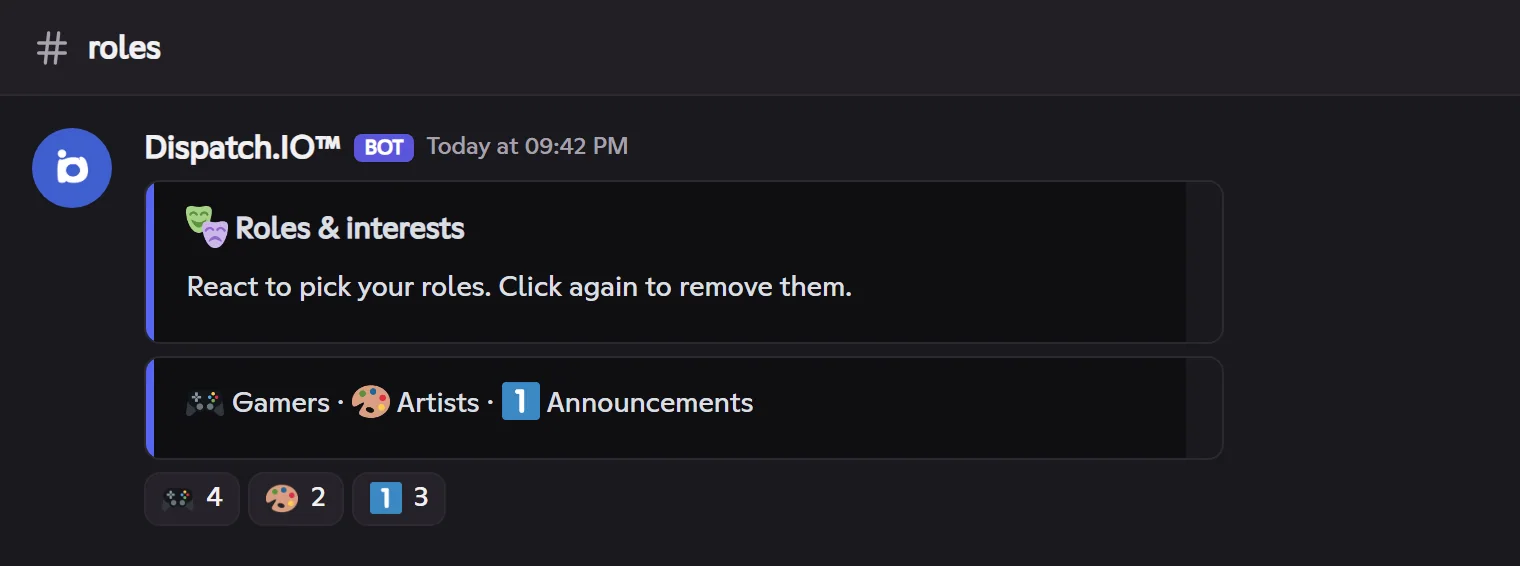
- A button without an emoji gets a number: 1️⃣, 2️⃣, 3️⃣… in the buttons' order.
- Editing a panel updates the message, the legend and the reactions; deleting a trigger rebuilds the legend and removes its reaction.
- Button colors and styles (blue, grey, green, red) have no visible effect on Fluxer.
Role buttons
A role button works like a switch: a click on its reaction gives the button's roles to a member who doesn't have them, or removes them from a member who does. The bot then removes your reaction, so you can click again, and shows a confirmation for 5 seconds ("Roles (@Gamers) successfully assigned."), or your custom message ({roles}, {role}).
Reaction roles
- The member adds the reaction: they get the roles. They remove it: they lose them. No message is sent.
- Works on any message of a text channel, including a member's message.
- The bot adds the reaction itself when you create the trigger.
Reply buttons
A reply button sends a saved message when clicked, for example a 📜 Rules button. On Discord, the reply is "only you can see this": on Fluxer, it arrives by direct message.
Roles given safely
The bot never gives:
- a role placed above its own role (at an equal position, the older one wins on Fluxer);
- a dangerous role: Administrator, Manage community, Manage roles, Ban, Kick…
It needs Manage roles and Add reactions in the panel's channel.
Limits
| Limit | Free | Basic | Ultimate |
|---|---|---|---|
| Panels (messages carrying triggers) | 3 | 5 | Unlimited |
| Word reaction rules | 5 | 10 | Unlimited |
The panel limit only blocks creation: if the plan goes down, existing panels keep working. Fluxer limits the number of different reactions on a message.
Word reactions
A rule ties a word to one or more emojis. When a message contains the word, the bot reacts with those emojis, in order.
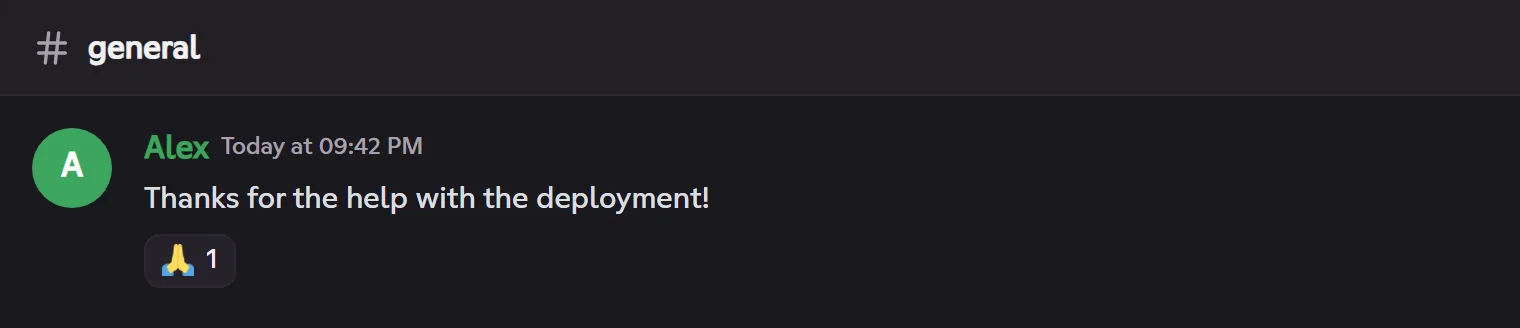
- The word is searched anywhere in the message, ignoring case, even inside another word.
- Anti-flood: when several words match, or a rule has several emojis, the bot only reacts once every 10 seconds for the same member.
- Messages from bots, blacklisted accounts and the suggestion channel are not concerned.
- A rule can be turned off without being deleted; if the plan goes down, Over quota rules no longer react.
Pitfalls and limits
- Nothing happens on click: the role is above the bot's role, it is a dangerous role, or the bot lacks Manage roles.
- Your reaction disappears: that's normal for a button (role or message) — it stays ready for the next click. For a reaction role, your reaction stays.
- Custom emoji reactions: the bot uses your community's emojis or those of Dispatch.IO's official community.